The Complete Guide to Implementing VR Training in Your Company
- Geniuscrate

- Dec 20, 2025
- 2 min read
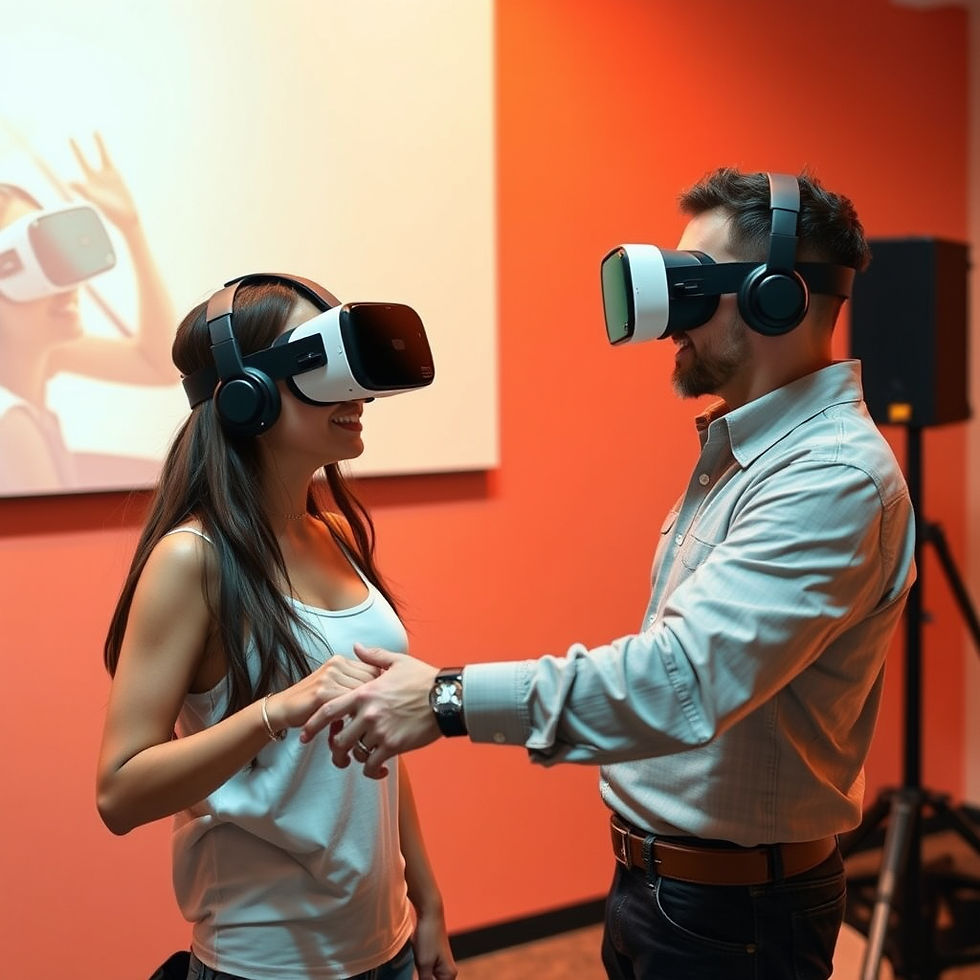
Virtual Reality training is no longer experimental. Companies across manufacturing, logistics, healthcare, defence, and energy are using VR to improve safety, reduce errors, and accelerate skill development. However, successful implementation requires more than just headsets and software. A structured approach ensures VR training delivers real business value.
This guide walks through the key steps companies should follow to implement VR training effectively.
Why Companies Are Turning to VR Training
Traditional training methods struggle with modern workplace demands. Limited access to equipment, safety risks, and inconsistent training quality slow workforce readiness.
VR training solves these challenges by offering:
Realistic, hands on practice without risk
Faster learning and higher retention
Consistent training experiences
Reduced downtime and training costs
Scalable deployment across locations
Understanding these benefits helps justify the investment.
Step 1: Define Clear Training Objectives
Start by identifying what VR training should achieve. Common goals include safety improvement, faster onboarding, error reduction, or skill standardisation.
Clear objectives determine the complexity of simulations, the level of realism needed, and success metrics.
Step 2: Choose the Right Use Cases
Not every process needs VR. Focus on tasks that are:
High risk or safety critical
Expensive to train physically
Complex or procedural
Rare but critical during emergencies
These use cases deliver the strongest return on investment.
Step 3: Build Accurate and Realistic Content
High quality VR training depends on realistic environments and interactions. Machines, tools, workflows, and hazards must closely match real world conditions to ensure skill transfer.
This step requires strong 3D modelling, animation, and simulation expertise.
Step 4: Select the Right Hardware and Platform
Choose VR headsets and platforms based on comfort, performance, and scalability. Enterprise grade solutions should support long sessions, easy maintenance, and multi user deployment.
Software platforms should allow updates, analytics, and integration with existing training systems.
Step 5: Pilot and Validate the Training
Before full rollout, test VR modules with a small group. Gather feedback on realism, usability, and learning effectiveness. Measure improvements in confidence, accuracy, and completion time.
Refine the content before scaling.
Step 6: Train Instructors and Support Teams
VR training still needs facilitators. Instructors should understand how to guide learners, interpret performance data, and support troubleshooting.
This ensures smooth adoption across the organisation.
Step 7: Measure Performance and ROI
Track key metrics such as error rates, training duration, safety incidents, and productivity improvements. Data driven insights help justify expansion and continuous improvement.
Step 8: Scale and Update Continuously
As processes evolve, VR content must be updated. Modular design allows companies to expand training libraries and keep content relevant.
How GeniusCrate Supports VR Training Implementation
GeniusCrate helps companies design and build high fidelity VR training environments that reflect real world operations. Using Unreal Engine, Blender, Maya, and Substance Painter, we create accurate assets and interactive simulations that support effective learning and long term scalability.


Comments